🟩T1 - Document Builder
Write like Notepad.
Share like a page
Write freely, like using a simple document editor.
Focus on your content, not on layout or technology.
When you're done, your document is already ready to share.
Start Writing Free : Top Yellow Button or stelafox.com
🟨 T2 – Web Page Builder
A document that works as a webpage.
Ready to publish.
Create a page the same way you write a document.
Add buttons, structure, and links without touching code.
Perfect for pages that are meant to be published on the web.
Build a Page : Top Violet Button or stelafox.com
🟥 T3 – Pro Mode
Full control. Real structure.
This is where pages become systems.

Take full control of structure, layout, and behavior.
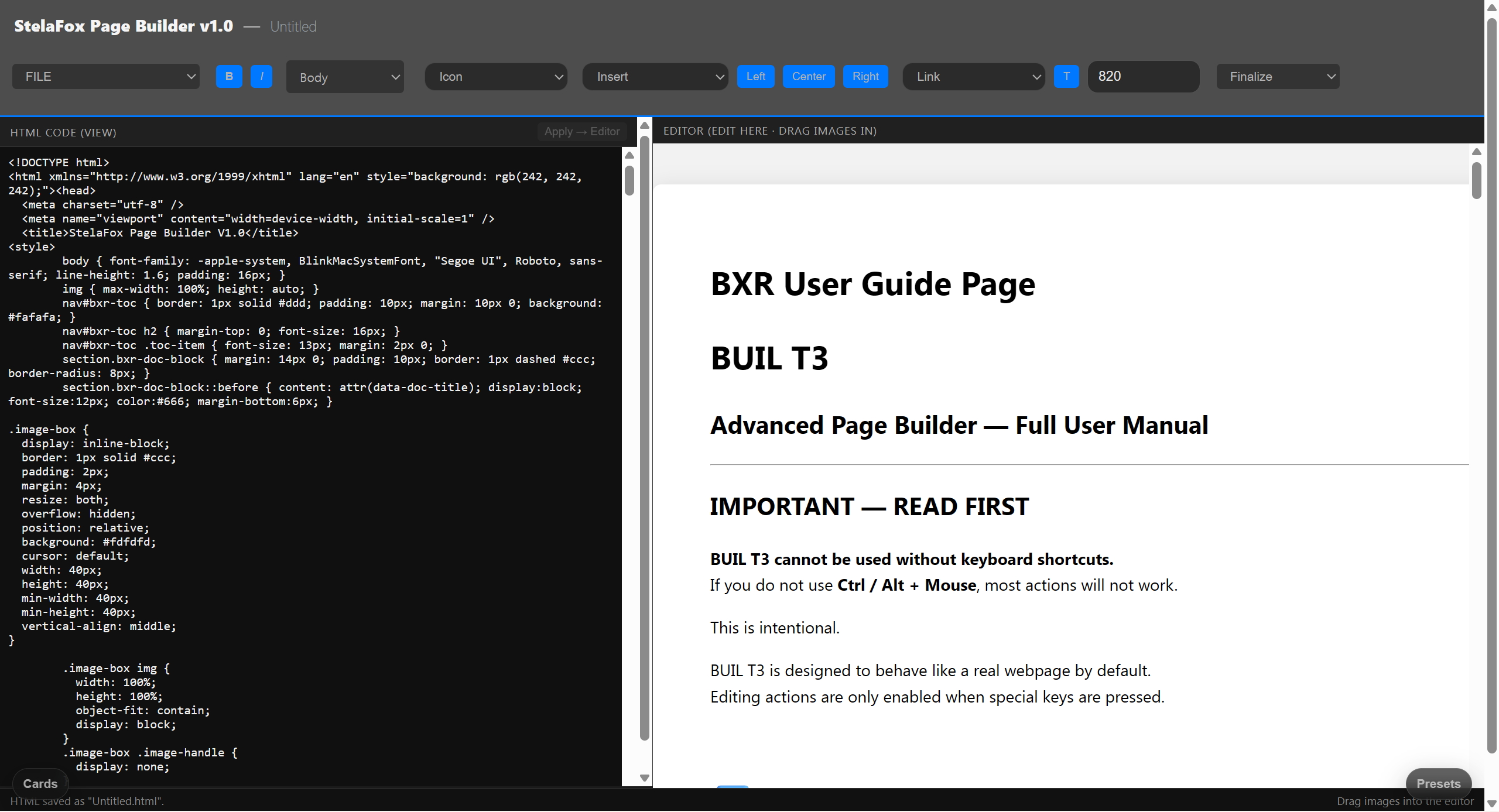
View and edit the real page structure behind your content.
Built for creators who want precision, not shortcuts.
Enter Pro Mode : Top Black Button or stelafox.com
Share like a page
Focus on your content, not on layout or technology.
When you're done, your document is already ready to share.
Ready to publish.
Add buttons, structure, and links without touching code.
Perfect for pages that are meant to be published on the web.
This is where pages become systems.
View and edit the real page structure behind your content.
Built for creators who want precision, not shortcuts.
☑️ Section 1 — Where BUIL is used
BUIL is used wherever text needs to explain more than words.
It is designed for pages that must:
be read carefully
be evaluated fairly
and remain stable over time
Typical use cases include:
documentation and reports
product and commerce pages
contest submissions
explanatory landing pages
BUIL replaces traditional word processors
when images, structure, and spatial media
must work together on one page.
☑️ Section 2 — How to use BUIL
Using BUIL is simple.
Write your content as a document
Insert images or spatial media where explanation is needed
Arrange blocks to guide the reader
(Optional) Edit structure directly in code
There is no build pipeline.
There is no export step.
What you see in BUIL
is what the reader sees.
☑️ Section 3 — Why BUIL matters
BUIL creates value in two ways.
Commercial value
For products and services, BUIL:
reduces explanation cost
increases visual trust
allows inspection before purchase
Pages built with BUIL
do not rely on persuasion,
but on clarity.
✅ Cognitive value
For readers, BUIL:
lowers cognitive load
separates explanation from interaction
allows focused inspection without distraction
This makes content:
easier to understand
easier to compare
easier to evaluate
✅ Final note
BUIL is not a design tool.
It is not an engine controller.
It is a construction surface
for content that must be understood,
not merely displayed.
be read carefully
be evaluated fairly
and remain stable over time
documentation and reports
product and commerce pages
contest submissions
explanatory landing pages
when images, structure, and spatial media
must work together on one page.
Write your content as a document
Insert images or spatial media where explanation is needed
Arrange blocks to guide the reader
(Optional) Edit structure directly in code
There is no export step.
is what the reader sees.
reduces explanation cost
increases visual trust
allows inspection before purchase
do not rely on persuasion,
but on clarity.
lowers cognitive load
separates explanation from interaction
allows focused inspection without distraction
easier to understand
easier to compare
easier to evaluate
It is not an engine controller.
for content that must be understood,
not merely displayed.
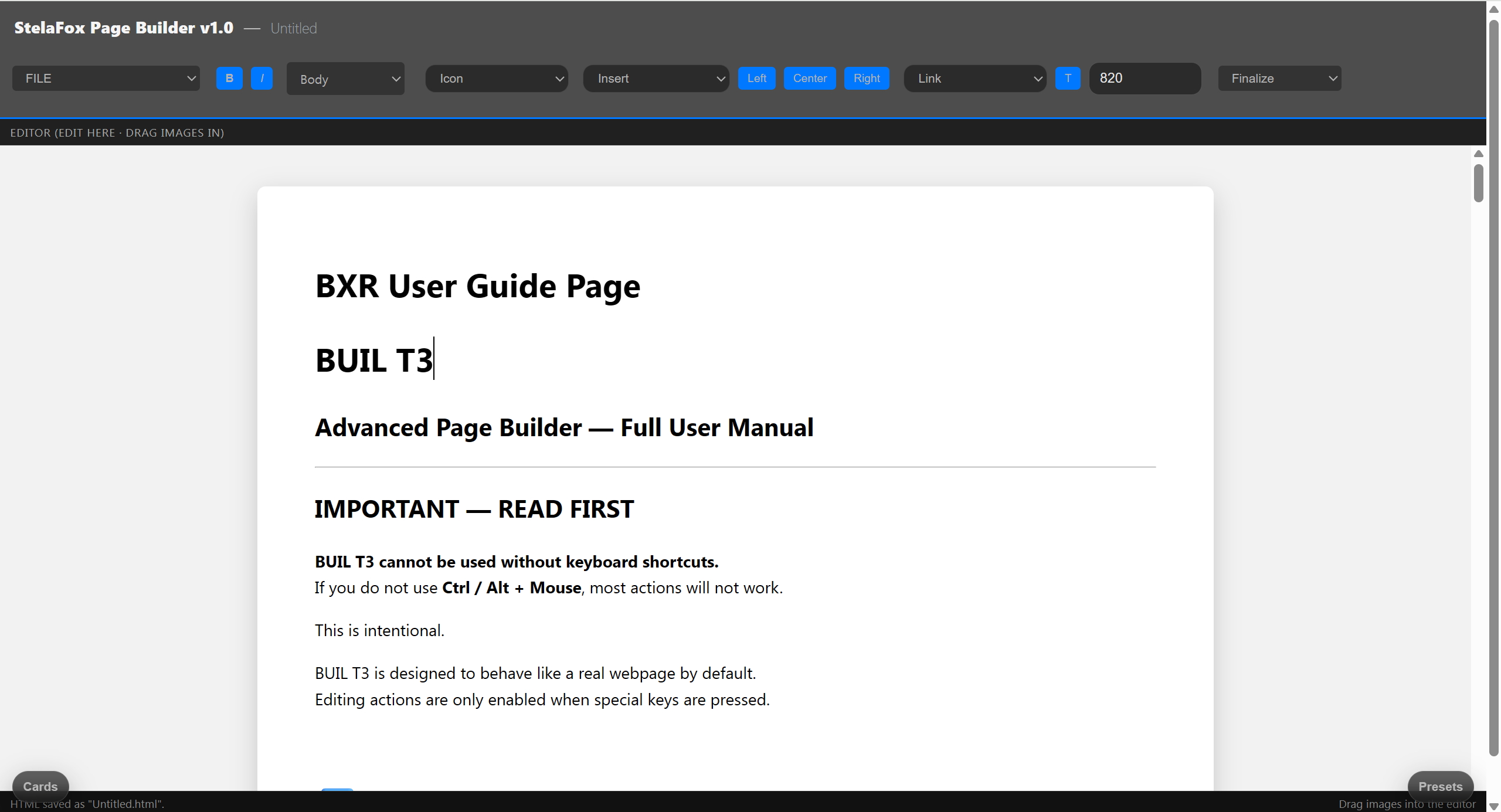
☑️ BUIL T3 — Keyboard & Mouse Shortcut Table
Important
BUIL T3 is a shortcut-driven builder.
Without these shortcuts, editing will not work.
BUIL T3 is a shortcut-driven builder.
Without these shortcuts, editing will not work.
Core Editing Shortcuts (CRITICAL)
Box Interaction Shortcuts
Moving & Resizing
Rule:
If it looks right → lock it.
If it looks right → lock it.
Mode & Editing Control
Document Tools (EDITOR Mode Only)
Focus & Recovery Shortcuts
Shortcut Philosophy (READ THIS)
This separation is intentional.
One-Line Memory Aid (Homepage-Friendly)
Ctrl edits. Alt locks. Normal click views.
If you remember only one thing, remember this.
Common Beginner Mistake (WARNING)
❌ Clicking without holding Ctrl or Alt
✔ Holding Ctrl / Alt before clicking
BUIL T3 does not guess your intent.
You must declare intent with keys.
✔ Holding Ctrl / Alt before clicking
You must declare intent with keys.
Professional Tip
Build → Ctrl + Click
Position → Drag handle
Finish → Alt + Click
Repeat
This is the fastest and safest workflow.
Build → Ctrl + Click
Position → Drag handle
Finish → Alt + Click
Repeat
BUIL (Document & Structure OS)
BUIL T1 — Entry Structure Layer
Category BUIL T1 Price $1 / 6 months Purpose Individual structuring Document Creation ✅ 2.5D Embedding Limited Templates Basic Export Local / personal Commercial Use ❌ Collaboration ❌ Updates Continuous
Notes
BUIL T1 connects 2.5D with personal documents.
It lowers the barrier to structural thinking.
| Category | BUIL T1 |
|---|---|
| Price | $1 / 6 months |
| Purpose | Individual structuring |
| Document Creation | ✅ |
| 2.5D Embedding | Limited |
| Templates | Basic |
| Export | Local / personal |
| Commercial Use | ❌ |
| Collaboration | ❌ |
| Updates | Continuous |
Notes
BUIL T1 connects 2.5D with personal documents.
It lowers the barrier to structural thinking.
BUIL T2 — Operational Structure Layer
Category BUIL T2 Price $15 / month Purpose Teams & operations Document Creation ✅ 2.5D Embedding Full Templates Advanced Export Structured / reusable Commercial Use ✅ Collaboration ✅ Version Control Basic Updates Controlled
Notes
BUIL T2 is where 2.5D becomes fixed structure.
This is the bridge between creation and institution.
| Category | BUIL T2 |
|---|---|
| Price | $15 / month |
| Purpose | Teams & operations |
| Document Creation | ✅ |
| 2.5D Embedding | Full |
| Templates | Advanced |
| Export | Structured / reusable |
| Commercial Use | ✅ |
| Collaboration | ✅ |
| Version Control | Basic |
| Updates | Controlled |
Notes
BUIL T2 is where 2.5D becomes fixed structure.
This is the bridge between creation and institution.
Built on
GLOS · LCTS · GPT collaboration systems
Designed to disappear —
so you stay visible.
Cinema is not for scale.
It exists to demonstrate limits and possibilities.
GLOS · LCTS · GPT collaboration systems
Designed to disappear —
so you stay visible.
Cinema is not for scale.
It exists to demonstrate limits and possibilities.
"Questions?
contact@stelafox.com